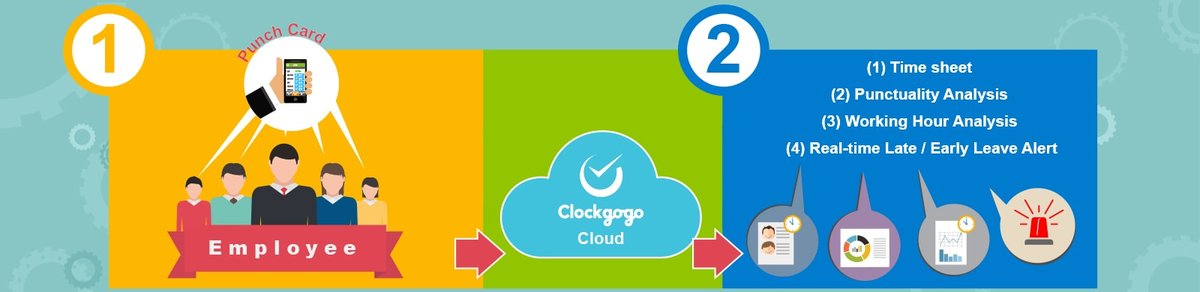
Product

Clockgogo Cloud
| Functions / Version | Community User (Free) | Enterprise User (See Price Table) |
|---|---|---|
| Administration User ID per Employer | 1 | Unlimited |
| Employee Master File - Basic | Yes | Yes |
| Employee Master File - Identification Proof & Address Proof Document Management | No | Yes |
| Employee Master File - Excel Upload (Number of Employees per Upload) | 100 | 5,000 |
| Maximum Number of Active Employee | 10 | As per subscribed |
| Adopt Clockgogo Work Spot (CWS) to Prevent Fake GPS | Yes | Yes |
| Roster - Basic | Yes | Yes |
| Roster - Excel Upload (Number of Employees x Number of Days per Upload) | 3,000 | 5,000 |
| Leave Approval Path Setting and Leave Approval (New) | Yes | Yes |
| Outdoor Work Tracking | Yes | Yes |
| Allow Employee to Use App on Shared Tablet /iPad to Punch Card | No | Yes |
| Job Management - Maximum Number of Jobs per Month | 300 | Unlimited |
| Browse of Historical Attendance Data | Last 1 Year | Last 3 Year |
| Excel /PDF Report Download | 30 times per month | Unlimited |
Clockgogo Staff (Mobile App)

| Functions / Version | Free | VIP |
|---|---|---|
| Punch card | Yes | Yes |
| Who's in? Who's off? Who' s late? | Yes | Yes |
| Yes | Yes |
| Yes | Yes |
| Job Status Monitoring | Yes | Yes |
| Yes | Yes |
| Leave Application and Approval (New) | Yes | Yes |
| Leave Record Enquiry (New) | Yes | Yes |
| Outdoor Tracking | Yes | Yes |
| Yes | Yes |
| Yes | Yes |
| Advertisement Free Operation | No | Yes |
| Document Proof Upload (depends on if employer is an enterprise users) | Yes** | Yes** |
* If employee wants to punch card in more than one mobile phone (for example, sometimes employee may borrow mobile from friends to punch card), employee is recommended to store her faceprint in Clockgogo Cloud to prevent clumsy face registration in every mobile phone being used.
** Availability of function depends on if employer is an enterprise user
Clockgogo Boss (Mobile App)
| Functions / Version | Free | VIP |
|---|---|---|
| Yes | Yes |
| Who's in? Who's off? Who's late? | Yes | Yes |
| Yes | Yes |
| Advertisement Free Operation | No | Yes |
| Company Announcement** | Yes | Yes |
** Availability of function depends on if employer is an enterprise user
Clockgogo Share (iPad/Tablet App)
Only for Clockgogo Cloud Enterprise User!!!
| Functions / Version | Community User | Enterprise User |
|---|---|---|
| No | Yes |
| No | Yes |
| Employee share the same iPad/tablet to punch card | No | Yes |
Clockgogo Work Spot (CWS)
Specification
Global Version
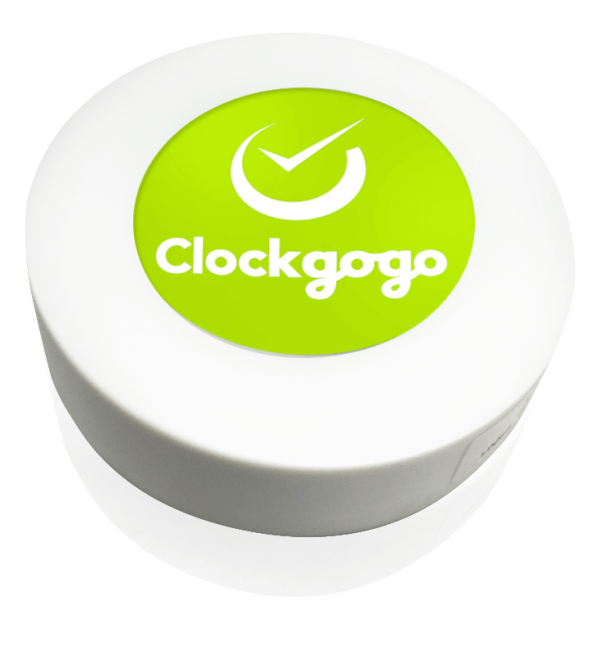
- Diameter: 60mm
- Height: 16mm
- Weight: 56g
- Battery Life: 2-3 years
- Color: White
Hong Kong / Macau / China Version
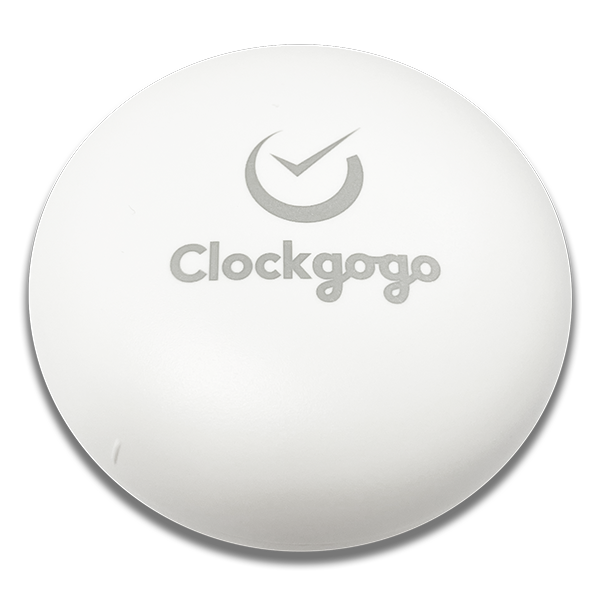
- Diameter: 55.6mm
- Height: 23.1mm
- Weight: 40.9g
- Battery Life: 5-6 years
- Color: White
Clockgogo Staff (Free)
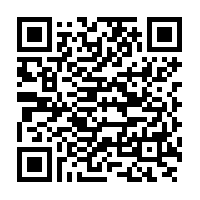
Clockgogo Boss (Free)
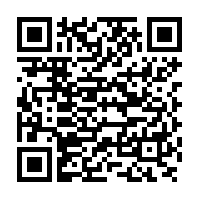
Clockgogo Share (Free)
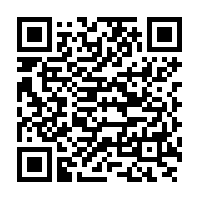

Clockgogo Staff (Free)
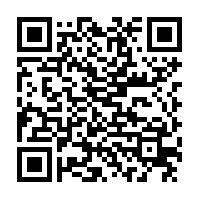
Clockgogo Boss (Free)
Clockgogo Share (Free)
Clockgogo Staff (VIP)
Clockgogo Boss (VIP)